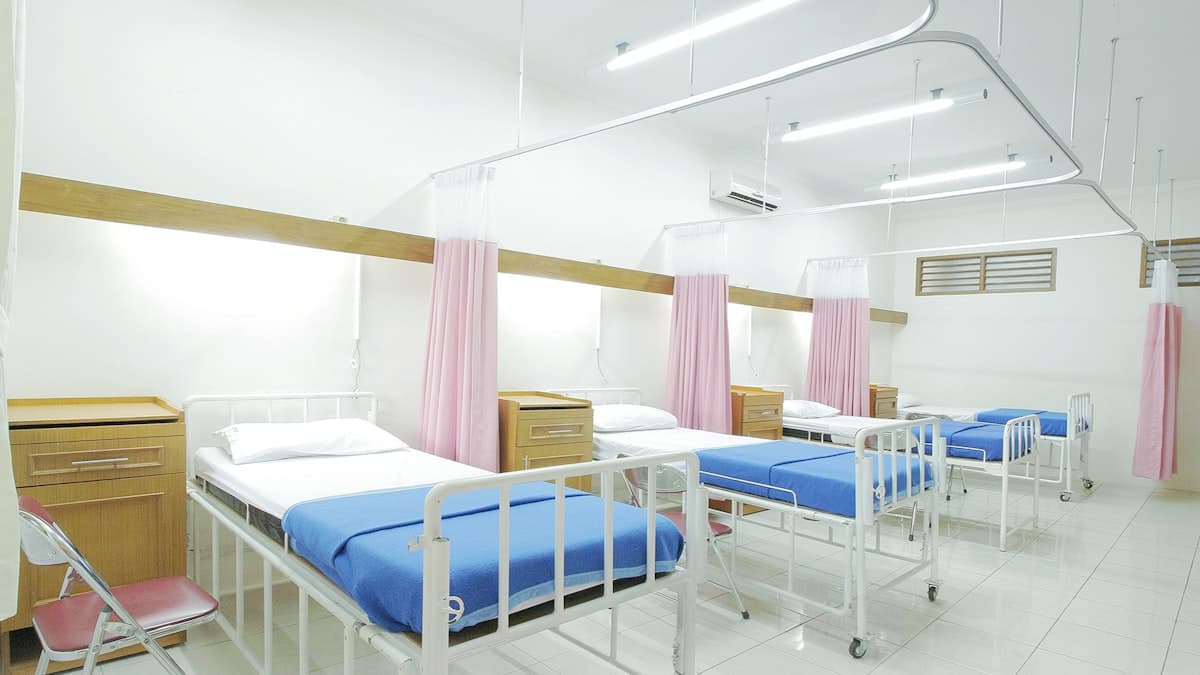
Ask a hospital biomedical engineer what keeps them up at night and you will not hear about exotic technology. You will hear about a missing infusion pump nobody can locate, a ventilator that failed during a procedure because a service was overdue, and a calibration certificate that could not be produced when the NABH assessor asked for it. These are not equipment problems. They are information problems — and they are exactly what hospital asset management software solves.
A hospital can have crores of rupees tied up in equipment and not know, on any given day, where each device is, whether it works, or when it was last serviced. This guide explains how asset management software fixes that, and what to look for.
What Counts as a Hospital Asset
Hospital asset management goes well beyond the obvious big machines. A complete system tracks:
- Biomedical equipment — ventilators, monitors, infusion pumps, defibrillators, imaging machines
- Lab and diagnostic instruments — analysers, centrifuges, refrigerators
- Facility and IT assets — beds, wheelchairs, UPS systems, computers
- High-value and rented equipment — where location and utilisation directly affect cost
Each asset carries a life story the hospital needs to know: where it is, who uses it, its maintenance and calibration history, its warranty and AMC status, and its remaining useful life.
What Hospital Asset Management Software Does
1. Knows Where Everything Is
Every asset gets a unique tag (barcode, QR, or RFID). Staff scan to locate, check out, and move equipment, so the answer to "where is the portable ECG?" takes seconds, not a floor-by-floor search. For mobile, high-value devices this alone justifies the system.
2. Schedules and Tracks Maintenance
Preventive maintenance is the heart of asset management. The software schedules services and calibrations, alerts before they are due, and logs every job done. Equipment fails far less when maintenance is driven by a system instead of memory.
3. Manages Warranty and AMC
It tracks warranty periods and annual maintenance contracts, alerting you before they lapse — so you never pay for a repair that was covered, or let cover expire silently. A dedicated medical equipment ERP manages this across a full fleet.
4. Produces Compliance Evidence Instantly
When an assessor asks for a calibration certificate or service history, the record is one search away. This turns NABH and audit preparation from a scramble into a routine export.
5. Informs Capital Decisions
Utilisation and downtime data tell you which assets are overworked, which sit idle, and which cost more to maintain than to replace — so capital budgets are based on facts, not guesswork.
What It Changes — Before and After
| Without asset software | With asset software |
|---|---|
| Equipment located by walking the wards | Located by a scan in seconds |
| Maintenance done from memory | Scheduled and alerted automatically |
| Warranty/AMC lapses discovered too late | Alerted before expiry |
| Audit prep is a paperwork scramble | Records exported on demand |
| Buying decisions are guesswork | Driven by utilisation data |
Where It Fits in Your Systems
Hospital asset management works best as part of a connected platform rather than an island. Linked to your hospital management system, asset availability can inform scheduling; linked to a medical equipment ERP, the full lifecycle — procurement, deployment, maintenance, retirement — lives in one place. For hospitals running broad equipment fleets, our medical equipment solutions cover the engineering side in detail.
Choosing the Right System
- Tagging that suits you. Barcode or QR is enough for most; RFID helps for high-volume, fast-moving fleets.
- Real maintenance scheduling. Confirm it alerts before a service is due and logs the work, not just records assets.
- Warranty and AMC alerts. Make sure expiry warnings are automatic.
- Compliance-ready reports. Ask to see a calibration/service history export in the demo.
- Mobile scanning. Staff should locate and update assets from a phone on the floor.
A hospital that knows where its equipment is, keeps it serviced, and can prove it, runs safer and spends less. To see asset tracking and maintenance scheduling on your equipment list, book a demo.
Frequently Asked Questions
Related software
Ready to transform your healthcare business?
See how GoMeds AI can automate your operations, reduce costs, and improve patient outcomes with a personalized demo.
Tags
Written by Deepak Verma
Published on 3 June 2026