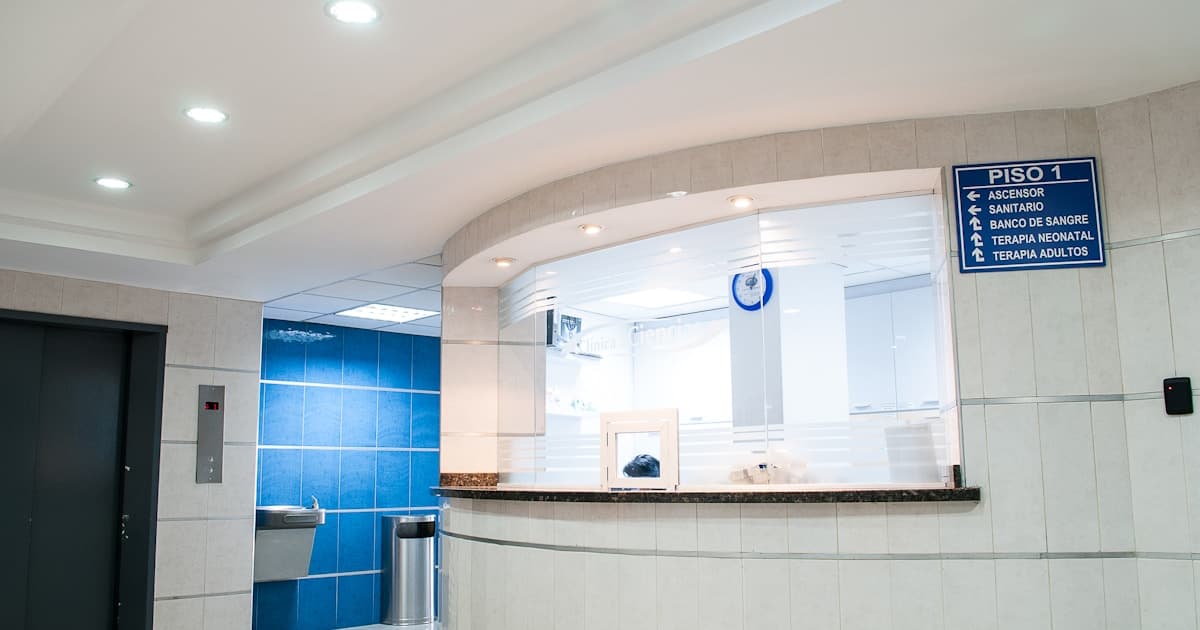
I run a dermatology practice in Ahmedabad. Every evening between 5 PM and 8 PM, my waiting room looks like a railway station platform during Diwali. Thirty to forty patients crammed into a space designed for fifteen. Children crying. Elderly patients standing because there are no seats. And at least once a week, two patients arguing about whose turn it is.
The paper token system I used for years was partly to blame. My receptionist would hand out numbered tokens at registration. Simple enough, right? Except:
- Patients would leave to "get chai" and come back demanding their original token position
- A patient with token 25 would claim they were told they could go before token 18
- My receptionist had no idea how long the wait actually was, so she would tell everyone "20 minutes" — which was true for token 5 and a lie for token 30
- Follow-up patients, new patients, and procedure patients were all in the same queue, even though they needed vastly different consultation times
The breaking point came when a elderly diabetic patient fainted in my waiting room after waiting 90 minutes. She had come fasting for a blood test referral that would have taken me three minutes. She was token 28. Token 27 was a new patient consultation that took 25 minutes.
That incident made me rethink everything about how patients flow through my clinic.
The Real Problem Is Not the Queue — It Is the Uncertainty
Here is something most clinic owners miss. Patients do not hate waiting nearly as much as they hate not knowing how long they will wait.
A patient who knows "you are number 12, estimated wait is 45 minutes" can go grab lunch, run an errand, or sit comfortably and scroll their phone. A patient who has no idea whether they will be called in 10 minutes or 90 minutes is anxious, irritable, and increasingly likely to leave.
Research from hospital management studies consistently shows that perceived wait time is worse than actual wait time. If your clinic has no visible queue status, patients perceive their 30-minute wait as an hour. Give them a live queue display, and the same 30 minutes feels acceptable.

What a Modern Queue Management System Does
Let me walk you through what changed when I replaced my paper tokens with a digital system.
Smart Registration With Estimated Wait Times
When a patient registers — either at the front desk or through an online booking — the system assigns them a queue position. But unlike paper tokens, it also calculates an estimated wait time based on:
- How many patients are ahead of them
- The average consultation time for each type of visit (new patient, follow-up, procedure)
- The current pace of the doctor (am I running fast today or behind schedule?)
My receptionist now tells patients: "You are number 14. Estimated wait is approximately 35 minutes." That specificity changes the entire experience.
Multiple Queue Types
This was the single biggest improvement. Not all patients need the same amount of time. A follow-up for a stable chronic patient takes 3 to 5 minutes. A new patient consultation takes 15 to 20 minutes. A minor procedure takes 30 minutes.
My system now has three queues:
- Quick Queue: Follow-ups, prescription refills, report reviews (3–5 minutes each)
- Standard Queue: New patient consultations, detailed follow-ups (15–20 minutes each)
- Procedure Queue: Minor procedures, biopsies, treatments (30+ minutes, by appointment)
Quick Queue patients are interleaved between Standard Queue patients. After every two standard consultations, I see three quick patients. This means a follow-up patient never waits behind six new consultations anymore. The diabetic patient who just needs a prescription review is in and out in 15 minutes total.
Live Queue Display
A screen in my waiting room shows:
- The current token being seen
- The next three tokens in queue
- Estimated wait time for the next token
- A message when a token is skipped (patient not present)
Patients can see exactly where they stand. No more asking the receptionist every five minutes. No more arguments about whose turn it is. The screen is the authority.
WhatsApp/SMS Notifications
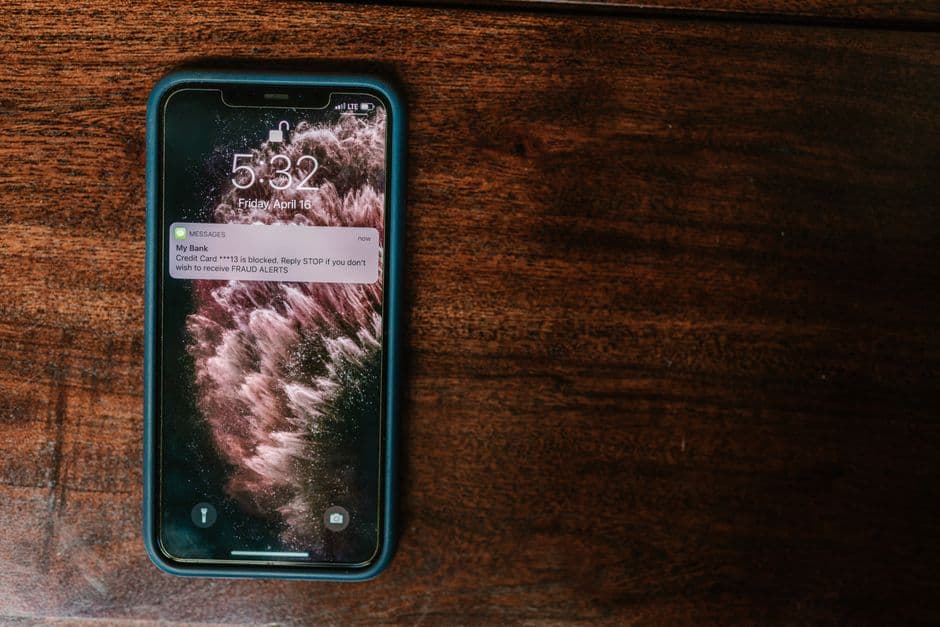
This is the feature that patients love most. After registration, the patient gets a WhatsApp message:
"You are token #14. Estimated wait: 35 minutes. We will notify you when you are 3 tokens away. You are free to wait outside the clinic."
When they are three tokens from being called:
"Dr. Desai will see you in approximately 10 minutes. Please proceed to the waiting area."
This single feature reduced my waiting room overcrowding by 40%. Patients no longer sit in the clinic for the entire wait — they wait at a nearby coffee shop, in their car, or at home if they live nearby. They come in when called.
The Impact on Patient Satisfaction (and Revenue)
Let me share real numbers from my practice, six months after implementing digital queue management.
Before vs. After
| Metric | Before (Paper Tokens) | After (Digital Queue) |
|---|---|---|
| Average wait time (as perceived by patients) | "Over an hour" | "About 30 minutes" |
| Actual average wait time | 42 minutes | 35 minutes |
| Patients who left without being seen | 5–7 per week | 1–2 per week |
| Waiting room complaints to receptionist | 10–15 per day | 2–3 per day |
| Google review complaints about waiting | 8 reviews mentioning wait | 1 review mentioning wait |
| Evening OPD patient capacity | 35–40 patients | 45–50 patients |
The actual wait time only dropped by 7 minutes. But the perceived improvement was dramatic — because patients now had information and control.
The revenue impact of seeing 5 to 10 more patients per evening session (because fewer leave without being seen) is Rs 2,500 to Rs 5,000 per day. Over a month, that is Rs 60,000 to Rs 1,20,000 in additional revenue — from the same clinic, the same hours, the same doctor. Just better patient flow.
The Google Reviews Effect
This surprised me. Within three months of implementing the queue system, my Google review rating went from 3.8 to 4.3 stars. Not because my clinical skills improved — because patients stopped complaining about the wait. In healthcare, the waiting experience is the first impression, and most negative reviews are about logistics, not treatment.

Implementation: What You Actually Need
Hardware
- One display screen for the waiting room (a basic 32-inch TV works, Rs 12,000 to Rs 18,000)
- A tablet or computer at the registration desk (you likely already have this)
- An optional check-in kiosk for clinics with high footfall (a tablet on a stand, Rs 15,000 to Rs 25,000)
Software
Your queue management should ideally be part of your clinic management software — not a separate system. When the queue is integrated with your appointment booking, patient records, and billing, the data flows naturally:
- Online appointment → auto-assigned queue position
- Walk-in registration → queue position based on current load
- Consultation complete → billing triggered → next patient called
GoMeds AI Clinic Management Software includes built-in queue management with live displays, WhatsApp notifications, and multi-queue support — all connected to your patient records and billing.
Staff Training
Your receptionist needs to understand three things:
- How to register patients into the correct queue type (quick vs. standard vs. procedure)
- How to handle queue adjustments (patient stepped out, emergency case inserted, doctor taking a break)
- How to answer the inevitable question: "But I was here first!" with the confidence that the system is fair
The last point matters. When the system is transparent — displayed on a screen for everyone to see — the receptionist is no longer the arbiter of fairness. The system is. That takes enormous pressure off your front desk staff.
For Multi-Doctor Clinics: The Complexity Multiplier
Everything I have described so far applies to a single-doctor setup. For polyclinics with multiple doctors, queue management becomes exponentially more important — and more complex.
Parallel Queues
If your clinic has three doctors, you need three parallel queues feeding into three consultation rooms. A patient registered with Dr. A should not be mixed into Dr. B's queue. The display shows three columns, each with its own token numbers and wait times.
Shared Resources
Here is where it gets tricky. Multiple doctors might share a single procedure room, a single lab, or a single ultrasound machine. The queue system needs to manage not just the doctor queue but also the resource queue — "Dr. A's patient needs an ultrasound at 4:30, but Dr. B's patient is using the machine until 4:45."
Cross-Referral Within the Clinic
Patient sees the general physician first, who refers them to the dermatologist in the next room. The system should automatically add the patient to the dermatologist's queue without re-registration, at an appropriate priority (they have already waited once).
This kind of complexity is where paper tokens completely collapse and where software earns its investment.
The Walk-In vs. Appointment Balance
Most Indian clinics operate in a hybrid model — some patients book appointments, some walk in. Managing both in the same queue is the everyday challenge.
The Approach That Works
- Appointment patients get reserved slots. If an appointment is at 5:30 PM, the system ensures that patient is seen between 5:25 and 5:45 (a 20-minute window).
- Walk-in patients fill the gaps between appointments. If the 5:00 appointment finishes at 5:10, there is a 20-minute window before the next appointment. Two walk-in follow-ups can fit here.
- Emergency walk-ins can be prioritised — your receptionist flags them, and the system inserts them at the front of the queue with a note to other waiting patients ("Emergency case — estimated delay of 10 minutes").
This hybrid approach respects appointment patients who booked in advance while not turning away walk-ins — which is the reality of how Indian clinics operate.
Common Concerns
"My patients are too old for WhatsApp notifications."
Some are. The system should support both WhatsApp and SMS. And the waiting room display serves patients who prefer to sit and watch the screen. The digital queue is not WhatsApp-only — it is multi-channel.
"What if my internet goes down?"
The queue system must work offline. Patients can still be registered, tokens can still be assigned, and the display can still update. Data syncs when connectivity returns. If a queue system requires constant internet, it is not suitable for Indian conditions.
"This seems like overkill for a small clinic."
If you see fewer than 20 patients a day and wait times never exceed 15 minutes, you probably do not need this. But if you see 30+ patients, have wait times over 30 minutes, or get regular complaints about waiting — this is not overkill. It is necessary.
The Bottom Line
Your patients judge your clinic in two moments: the wait and the consultation. You have spent years perfecting the consultation. But if the wait is chaotic, overcrowded, and unpredictable, patients leave before you ever get the chance to help them.
A queue management system does not make you a better doctor. It makes you an accessible one. Patients who are not frustrated by the wait are more receptive during the consultation. Patients who receive timely notifications feel respected. Patients who can see a transparent, fair system trust your clinic more.
The technology is simple. The investment is modest. The impact on patient experience — and on your practice revenue — is significant.
If you want queue management that integrates with your appointments, patient records, and billing — not just a standalone token display — explore GoMeds AI Clinic Management or book a demo to see the patient flow in action.
Dr. Vikram Desai is a dermatologist in Ahmedabad with a high-volume evening OPD. He has been using digital queue management since 2024 and consults with other clinic owners on patient flow optimisation.
Frequently Asked Questions
Related software
Ready to transform your healthcare business?
See how GoMeds AI can automate your operations, reduce costs, and improve patient outcomes with a personalized demo.
Tags
Written by Dr. Vikram Desai
Published on 5 April 2026